
Fulfillment & Shipping
Tracking Stuck on “Label Created”? What Shippers Should Check First
When an order is marked “shipped” but carrier tracking stays unchanged, the next step is to establish whether the package is awaiting collection or requires investigation after handoff.
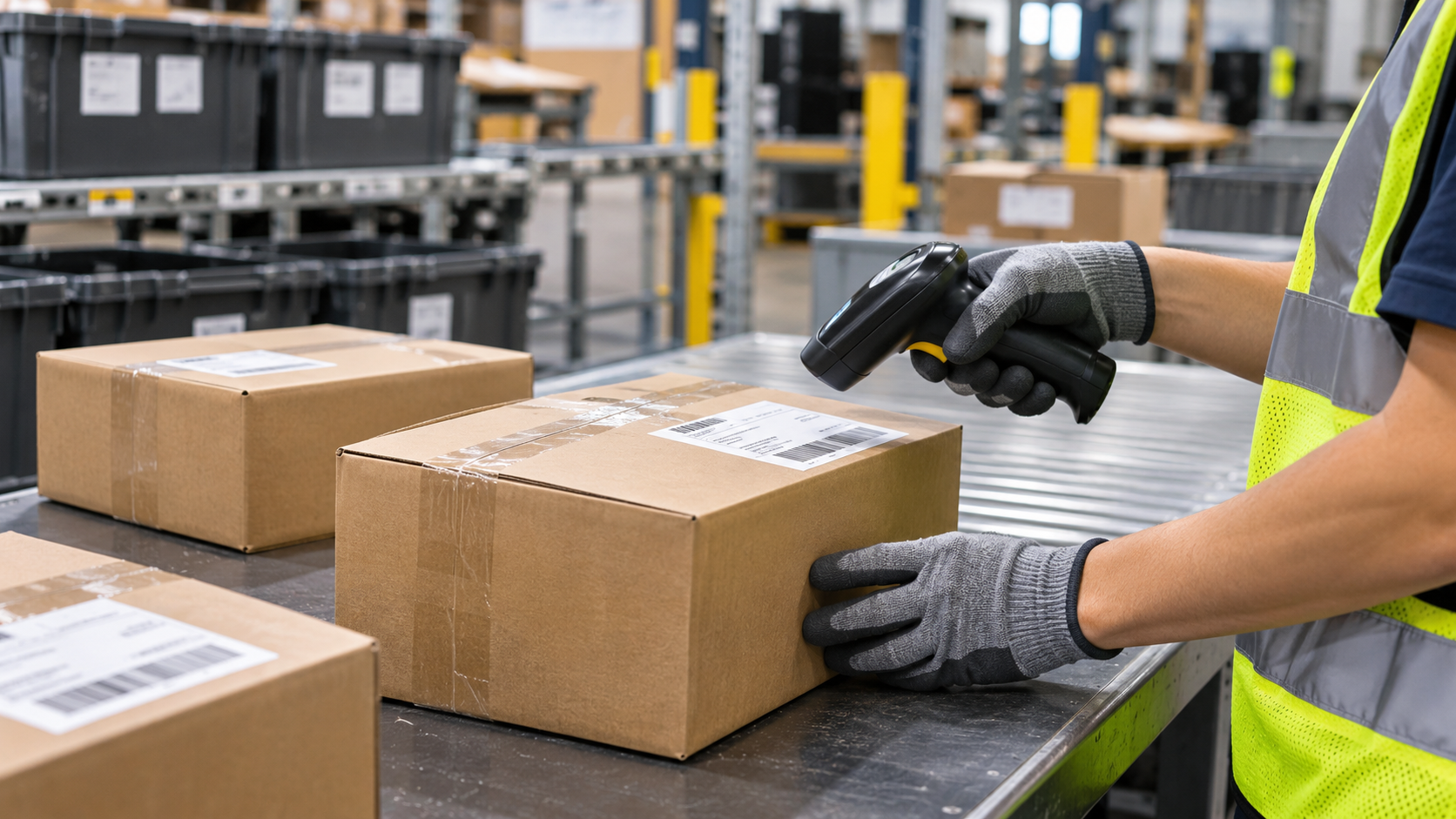
Consider a parcel order marked “shipped” on Monday. By Wednesday, the receiver still sees “Label Created” and asks for an explanation.
Resolving the inquiry starts with two checks: is the tracking number current, and can the warehouse confirm that this package was handed over?
What Does “Label Created” Confirm?
“Label Created” indicates that shipment information has been established. It does not, by itself, confirm physical collection.
UPS distinguishes this status from possession of the package. FedEx also explains that actual location and delivery updates depend on scanning.
Check what triggers the “shipped” status in your order or warehouse system. If it follows label creation, the team handling shipment inquiries should understand that it may precede carrier handoff.
First, Check the Tracking Number and Handoff Records
Before opening an investigation, confirm that the receiver is viewing the tracking number on the label actually used. A canceled or replaced label can leave someone following an inactive tracking number.
Then review the available handoff evidence:
- Pickup or acceptance date and time.
- Collection receipt or signed handoff record, where available.
- Package count and associated tracking-number list.
- Any shipment exceptions recorded by the warehouse.
A receipt showing that a driver collected 100 packages helps establish the pickup, but may not prove that one particular package was included. Check whether the collection record can be linked to the shipment in question.
Follow the Evidence in Two Directions
If handoff is unconfirmed: ask the warehouse to check the staging area, packing status, and pickup arrangements. Establish whether the package remains on site and what action is needed to release it.
If handoff is confirmed: send the active tracking number, collection details, and supporting records to the carrier or transportation provider. Ask them to investigate the missing tracking event and confirm the next action.
Agree When to Escalate—and When to Update the Receiver
Set a follow-up point around the actual pickup schedule, operating days, and service used. Avoid applying one scan deadline to every shipping arrangement.
Assign an owner to the unresolved shipment and record the next check or escalation time.
Updates should distinguish confirmed facts from outstanding questions. For example, where collection is documented:
Giving a specific next update helps the receiver understand what is happening while the investigation continues.
Review Your Shipping Handoff with VOC
VOC supports U.S. warehousing and fulfillment, outbound coordination, and shipment follow-up.
Discuss your shipping requirements with VOC and share your outbound workflow, pickup arrangements, and recurring tracking issues.
Contact VOC →